
 How to Improve Your Website's SEO with Yoast SEO
A detailed review with screenshots of the Yoast SEO plugin on WordPress: from installation and basic settings to post and page optimization.
 Google Analytics 4 for Beginners: What is GA4 and How to Use It
A guide to setting up Google Analytics 4: from an overview of features and interface to instructions for transitioning from Universal Analytics.
 What is a website aggregator: types of aggregators, earnings calculation, step-by-step instructions of create
An article for those who want to create a website aggregator with automated content filling without programming and large investments.
 March 31 — Backup Day. Why it's important not to forget about backups and how to make a backup of your website (instructions)
On the eve of Backup Day, we talk about the features of backups, strategies and the best ways to create backup copies of a website.
 How to Use Google Adsense for Website Monetization
How to make money with Google Adsense: from registration to placing ads on your site and withdrawing funds — a guide with screenshots.
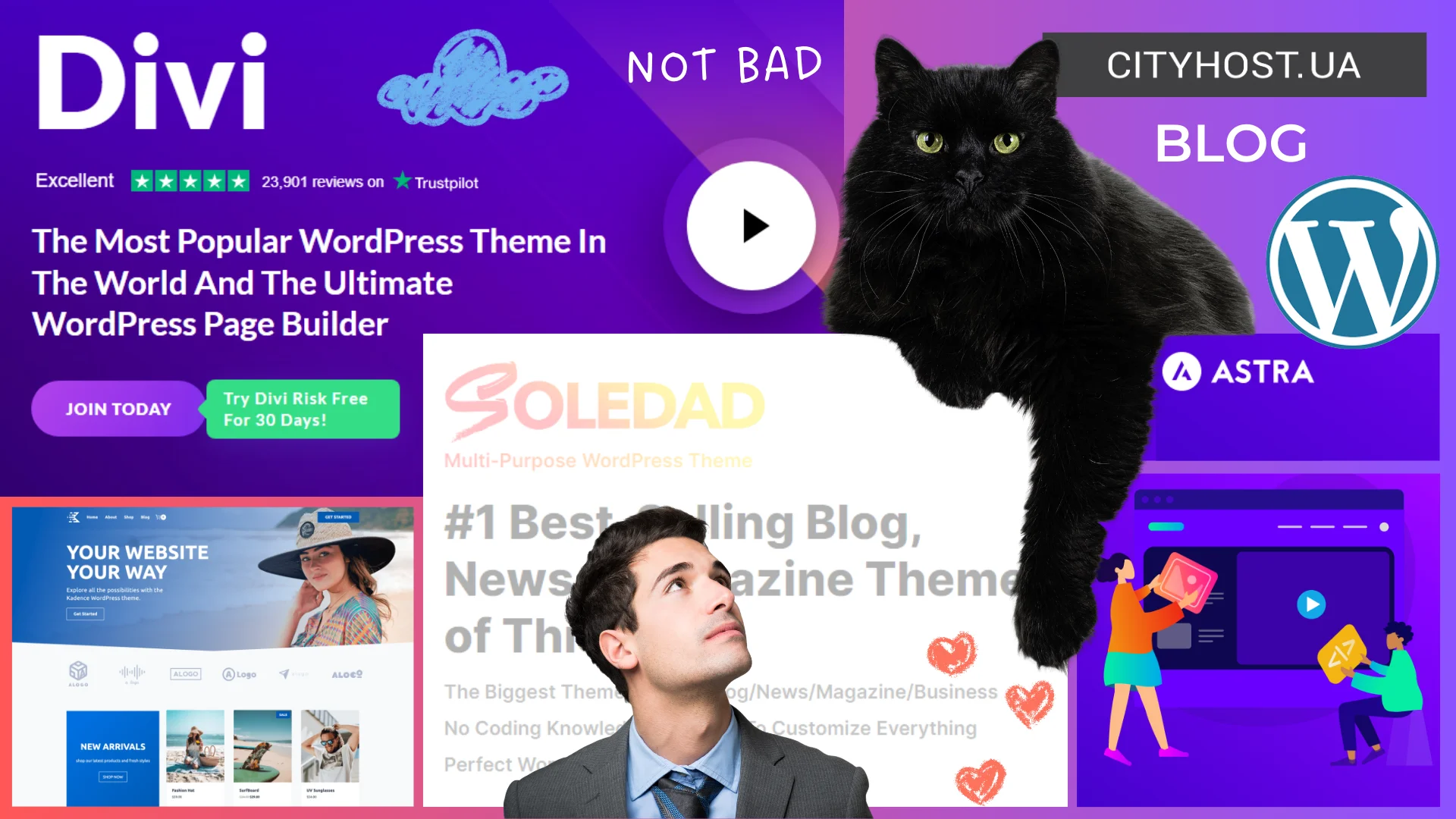 TOP-8 Best WordPress Themes for Blogs Relevant in 2024
Choosing a theme for blog from thousands of WordPress themes is no easy task. But we're here to help you navigate and review the 8 best themes.
 What is DNS and How the Domain Name System Works
What is DNS and DNS server, where and how to configure NS servers, what are DNS records, how to edit them — we answer frequently asked questions.
 How to Independently Create a Website with Online Courses Using a CMS
Information on choosing CMS and LMS for an educational platform, and step-by-step guide on creating a website for selling online courses!
 How to Adapt Your Website for Mobile Devices
A website is impossible without adaptation for device screens. Read the article to learn various methods for creating responsive site.
 Bounce Rate on a Website — How to Analyze and Reduce It
Do readers visit your website and not interact with it? This is what a bounce looks like — an important metric that we'll discuss in article.
 Thank You Page on the Website: How and Why to Design It
Sell more, build a loyal community, and show your love for customers with a thank you page.
 Our Users' Stories: How Alexander Grechanyi and His Family Create SEO Fairy Tales and Invent Plots Using Brainstorming
Among several websites created by the Grechanyi family, the most unexpectedly successful project was a fairy tale website.
A website can serve as a corporate resource, online store, blog, portfolio, online service, or compact page presenting a company’s services. Each format has its own requirements for structure, functionality, and technical foundation. For this reason, website creation begins with defining its goals and target audience.
This category contains articles about website development, design, content, and launch. We explore different ways to create websites, explain technical concepts, and help readers understand the tools required to build their own projects.
Before development starts, it is important to choose the type of website, plan its structure, and prepare a list of required features. A portfolio, for example, may need only a few informational pages and a contact form. An online store usually requires a product catalog, filters, shopping cart, payment options, and customer accounts.
A website can be developed independently, commissioned from a professional, or built using ready-made tools. The right approach depends on the project’s complexity, budget, time frame, and future development plans. Custom development provides greater flexibility, while ready-made platforms and a website builder help launch a simple website faster without advanced programming knowledge.
The main stages of launching a website include:
defining the website’s purpose and target audience;
choosing a development method and the required features;
preparing the structure, design, and content;
registering a domain name and choosing hosting;
testing the website on desktop and mobile devices;
connecting analytics, basic security tools, and backups;
publishing the website and keeping it updated.
Publishing a website on the internet requires a domain name and a place to store its files. A domain should be clear, easy to type, and connected with the name of the company, product, or project topic. Before launch, you can check whether your preferred option is available and register a domain name.
Hosting requirements depend on the technologies used, expected traffic, and volume of data. Shared hosting is generally sufficient for a blog or small corporate website. Projects with more complex features or higher traffic may require more powerful server solutions. On the website hosting page, you can compare available plans and choose resources that meet your project’s requirements.
Publishing the first version does not complete the work on a website. Software components need to be updated, new content must be added, loading speed should be monitored, and security and visitor behavior require regular attention. The website’s structure, design, and functionality may also change as the project develops.
The articles in this category cover individual stages of website creation, common technical difficulties, and solutions for different projects. They will help you plan a launch, supervise the work of contractors, or develop your own website independently.
CityHost
Services
Contacts


2004 - 2026 "CityHost" - professional
paid hosting in Ukraine.