
 Testing WordPress updates: important findings after the release of Armstrong 7.0
Testing WordPress 7.0 on two sites: AI in the core, command palette, revisions, new blocks — what really works and how much does the connection cost.
 What are WordPress plugins: installation, configuration, removal
Learn what WordPress plugins are in 2026. A step-by-step guide to installation, configuration, and safe removal.
 TOP-8 Best WordPress Themes for Blogs Relevant in 2024
Choosing a theme for blog from thousands of WordPress themes is no easy task. But we're here to help you navigate and review the 8 best themes.
 How to transfer a WordPress site to another domain?
There can be many reasons for moving a WordPress site to another domain. For example, the registered URL has been used before or you don't like it
 What is WordPress in 2026: the best CMS for beginners and professionals
We explain what WordPress is, what advantages and disadvantages it has, and what scale of websites you can create on your own.
 How to Create an Entertainment Website: From Idea to Profit
Learn how to create an entertainment website: topic selection, CMS, content, plugins, SEO, and monetization.
 What is a website aggregator: types of aggregators, earnings calculation, step-by-step instructions of create
An article for those who want to create a website aggregator with automated content filling without programming and large investments.
 How to make a sitemap in WordPress?
The sitemap.xml file is a site map that displays to search engines the location of all pages, records and site files indexed by the search engine.
 How to remove the text "This site is powered by WordPress" in 2026
We explain where the WordPress text in the footer comes from, in which themes it is present, and in which it is not, and how to get rid of it in 2 minutes or less.
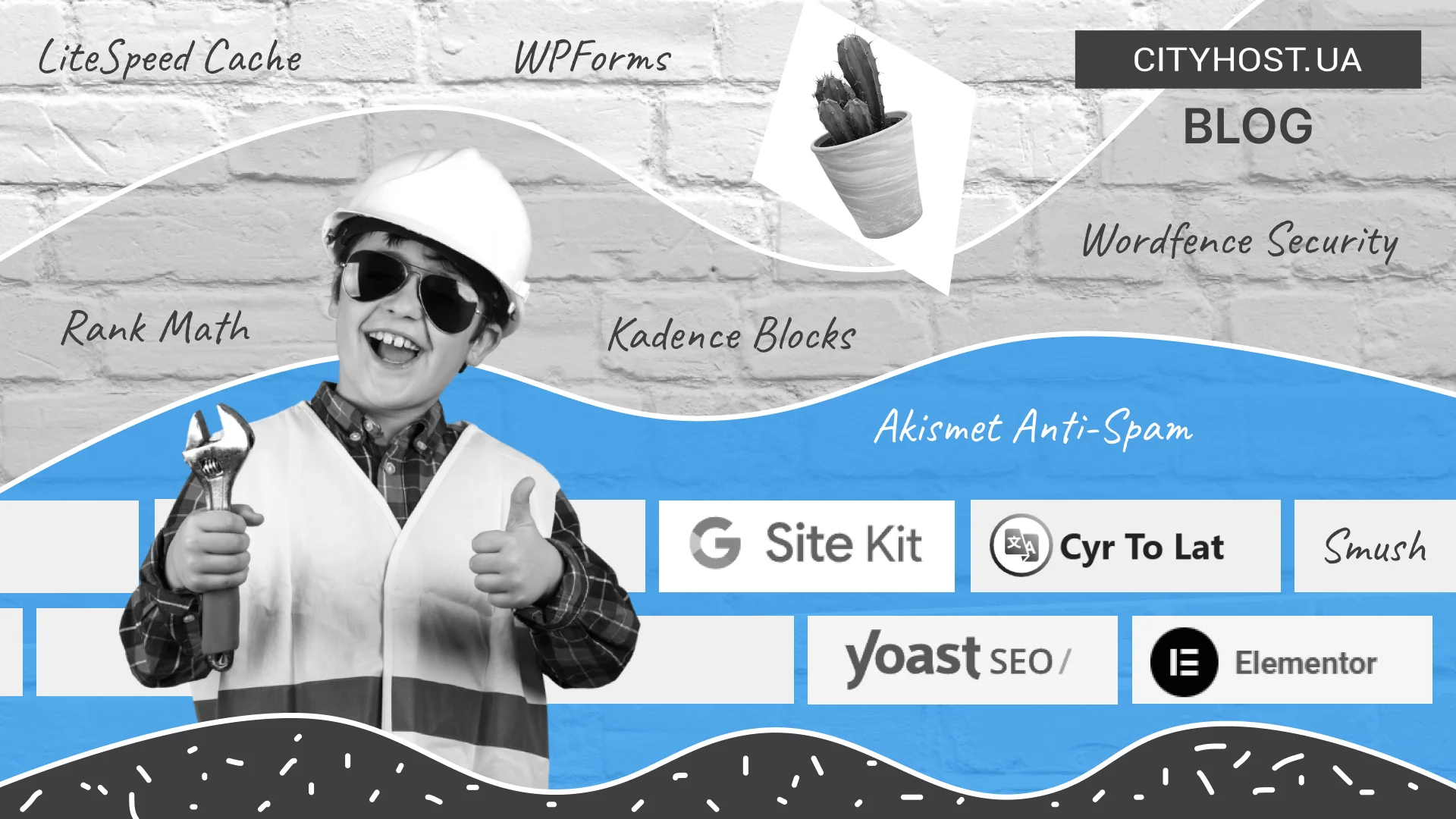 Plugins for WordPress You Should Install Right Away — A Checklist for Launching Your Website
WordPress plugins that should be installed first: must-haves for security, SEO, and design.
 Where is the WordPress database stored
To begin with, let's give a simple definition of the WordPress database as such. The database stores absolutely all the information used on the site.
 How to roll back updates on WordPress?
There are two ways to roll back a WordPress update to the previous one: automatically and manually. But there is a nuance.
CityHost
Services
Contacts


2004 - 2026 "CityHost" - professional
paid hosting in Ukraine.