
- Paradigm Shift: From Writing Syntax to Managing the Flow of Ideas
- How to Create Software with Vibe Coding
- What Vibe Coding Tools Exist for Beginners and Professionals
- How I Tried to Create Software with Vibe Coding
- Is It Worth Using Vibe Coding for Web Applications
In 2026, it is already hard to imagine a day without artificial intelligence helping to generate recipes from what is in the fridge, searching for books and movies, analyzing data, creating content. And it seemed that coming up with something new was impossible. Then, the co-founder of OpenAI and former AI director at Tesla, Andrej Karpathy, introduced a new coding style called Vibe Coding — developing programs based on interaction with AI, without writing code.
It feels like some kind of magic — now there is no need to spend years learning HTML, CSS, JavaScript, and PHP, sitting down to write code, and then spending hours searching for reasons why it doesn’t work, or paying tens of thousands of hryvnias to developers… However, in practice, things are a bit more complicated. And I found this out myself when I decided to use vibe coding to create new and improve existing websites.

Paradigm Shift: From Writing Syntax to Managing the Flow of Ideas
To better understand the effect of vibe coding, let’s go back to 1991, when Tim Berners-Lee published the first website in history on pure HTML. Over the years, developing a web resource required learning HTML, then CSS, and after 1995, JavaScript to add interactivity. In 2003, WordPress appeared, followed by other CMSs that changed the game: the need to understand code almost disappeared, but another technical complexity arose in terms of learning content management systems. Although website builders were developing in parallel, they offered significantly less functionality.
And so, the end of 2024 opened a new era in web application development. It was then that language models reached a level where they could generate not just code snippets, but entire working applications. Moreover, new and existing AI agents for application development began to emerge and develop more actively, among which are Bolt.new, Lovable, and Base44. A logical step in development was Andrej Karpathy's post in February 2025, which brought the term vibe coding into the public domain.
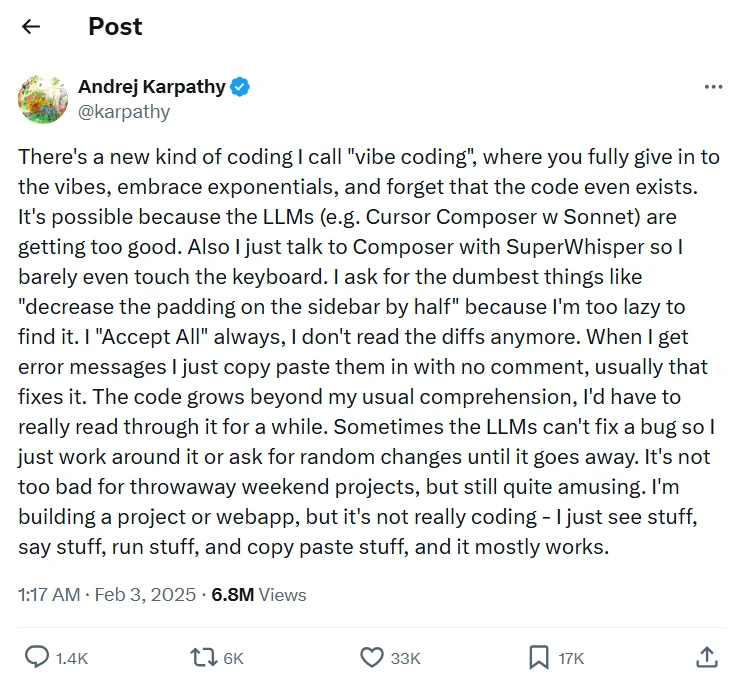
From the official page on Twitter: “There is a new kind of coding that I call ‘vibe coding’, where you fully surrender to the vibes, embrace the exponential component, and forget that code even exists.”
Vibe coding has changed the paradigm: now the most in-demand programming language is not Python or PHP, but human language. This concept eliminates the need to spend years learning to write code, weeks writing it, and hours searching for and fixing errors. And statistical data confirms these changes. For example, in Y Combinator reports, it is noted that about 25% of startups rely on AI to generate 95% of their codebase. Google Corporation also confirmed that about 25% of all new code in the company is generated automatically. And Collins English Dictionary even named “Vibe Coding” the word of the year 2025, highlighting its impact not only on the tech community but also on mass culture.
How to Create Software with Vibe Coding
The development process using the vibe coding methodology resembles a conversation with an experienced freelance developer or agency. Imagine you want to create a personal website to provide services as an SEO specialist. You look for a developer, explain your idea, provide examples, and wait for the result. Then the specialist shows you the web resource, and you test it and say what you like and what needs to be changed. And so each time the developer makes adjustments until you are satisfied. In the end, you just need to register affordable reliable hosting, buy a domain, and add an admin panel to the site so that it is convenient to make changes and publish content later.
Vibe Coding works on a similar principle:
- Describing the idea. You don’t need to write code or a ten-page specification — just tell what you want. For example, “Make me a portfolio website with a dark theme, a feedback form, and a gallery of works.”
- AI Work. The autonomous agent starts working, but it doesn’t just write code; it manages the entire environment: creates the folder and file structure, chooses the technology stack, writes logic in modular parts, designs the database.
- Testing. You receive not just code, but a ready website. You just need to check scrolling, buttons, work pages, feedback form, etc.
- Making adjustments. If something is not to your liking, write about it in the chat. For example, “Change the font” or “Fix the submit button.”
- Receiving the result. This cycle — describe, generate, test, clarify — repeats until you are satisfied with the result. As soon as everything is good, you take the project and start using it.
A key aspect of Vibe Coding — you evaluate the result through testing functionality, not by reading code. At the same time, everything works through large language models (Claude, GPT, Gemini), which are trained on billions of lines of code. They understand not only syntax but also software architecture, design patterns, and can even predict security vulnerabilities. And this practically removes the need to understand programming. Even Andrej Karpathy noted that he often does not look at the changes made by artificial intelligence, but fully trusts the system. If there are mistakes, he simply copies the error messages back into the chat for AI to fix them on its own.
An important component of the ecosystem is the concept of Vibe Deploy — launching an application into a live production environment with one click or text prompt. The process happens instantly, unlike traditional DevOps, where you need to spend hours setting up CI/CD pipelines, server infrastructure, and security certificates.
What Vibe Coding Tools Exist for Beginners and Professionals
If you want your own software, you first need to find someone to create it for you. In classic development, this could be a freelance developer or agency, while in vibe coding — special platforms with all the necessary functionality. And here the systems are divided into two types: Full-stack builders (you describe the idea, and artificial intelligence builds the frontend, backend, database, etc.) and AI editors (you work with code, but AI helps write it faster).
Comparative Table of Vibe Coding Tools
| Platform | Type | For Whom | Free Version | Paid Version |
|---|---|---|---|---|
| Lovable | Full-stack | Those wishing to create a web application from scratch with the best UI | 5 daily credits. | Starting at $25 |
| Bolt.new | Full-stack | If you want to build full-fledged web applications directly in the browser without any local installations. | 300,000 tokens daily, 1 million tokens per month. | Starting at $25 |
| Base44 | Full-stack | Those wishing to create web applications without coding knowledge and with minimal setup. | Daily limit of 5 messages and a monthly limit of 25 messages in total. | Starting at $20 |
| Replit | Full-stack | If you want to create complex software without code. | Free daily credits for the agent and AI integration. | Starting at $20 |
| Cursor | AI-editor | If you need not a full application generator, but help in writing code for a project of any scale. | Individual Hobby plan with a limited number of requests to the agent. | Starting at $20 |
| Vercel v0 | AI-editor | If you need help writing code for site elements, landing pages, plugins, etc. | 5 credits daily. | Starting at $20 |
Among the best Vibe Coding Full-Stack systems in 2026 are:
- Lovable — is vibe coding with a focus on visual, i.e., generating a beautiful modern interface and ready code from a single text description. The system supports connections to Supabase (database), Stripe (payments; useful if you live abroad, as it is not supported in Ukraine), GitHub (code storage). It is ideal for Landing Pages, portfolios, SaaS prototypes, MVPs for startups, mobile applications with aesthetic UI.
- Bolt.new — is one of the first and most technological platforms that launches a full development environment directly in your browser using WebContainers technology. You simply write a proper prompt, and Bolt.new creates the file structure, installs the necessary libraries, and launches the application in a preview window. It supports popular frameworks (React, Vue, Svelte, Next.js), can automatically fix errors through the terminal, and allows you to export all generated code in one archive. This functionality is sufficient for developing web applications of varying complexity from scratch, SaaS, tools with databases and authorization, mobile applications with API integrations.
- Base44 — is the best vibe coding tool for quick generation of full-stack applications. It perfectly reflects the principle of Clear Vibe Coding: you enter a description, and the system itself configures the frontend, backend, database, and user management system. In the latest update in February 2026, the Base44 team added automatic documentation generation, publishing applications to the App Store and Play Store, scheduling mode, and integration with Gmail.
- Replit — is a fully functional development environment where the AI agent can independently plan, write code, create databases, and deploy the finished product. You give a task, and the agent executes it step by step: from creating tables in the database to setting up the server. The platform also has a mobile app if you suddenly want to create software on the go. This functionality opens access to the development of complex applications, chatbots, educational projects, and automated systems for running a business.
If you still do not want to fully trust software development to artificial intelligence but want to speed up the process, then I recommend looking at “smart assistants.” Among the best Vibe Coding AI editors in 2026 are:
- Cursor — an AI-oriented code editor that understands the context of your entire folder of files. It allows you to write, edit, and fix code errors in English directly in the familiar development environment. You simply open the folder with your site, press Ctrl + I, and specify what needs to be done, for example, to add a function to the site, after which Cursor makes changes immediately in all necessary files. Suitable for any projects, including improving existing sites and developing your own plugins.
- Vercel v0 — is a tool for generating user interfaces and even full-stack applications from prompts in English and images. After entering a prompt, you receive clean code that can be copied for further work outside the platform or deployed on Vercel. It is well-suited for frontend developers with React and Next.js if you need to speed up development.
Each mentioned platform offers a free version. Its limitations are sufficient for basic functionality testing, which should be done before fully developing your own software.
Read also: The Best AI Services for Content Creation: From Texts to Images
How I Tried to Create Software with Vibe Coding
In theory, everything seems incredibly easy: you go to the service, register, specify a prompt, and get a ready page, website, plugin, mobile application. I decided to check this out, so I created projects of varying complexity. All of them were created on free plans, without any programming knowledge.
Personal One-Page Website on Bolt AI Builder
 We go to the main page of Bolt.new, click Get Started, and authorize through Google, GitHub, or email. I chose the quick and easy way — Google account.
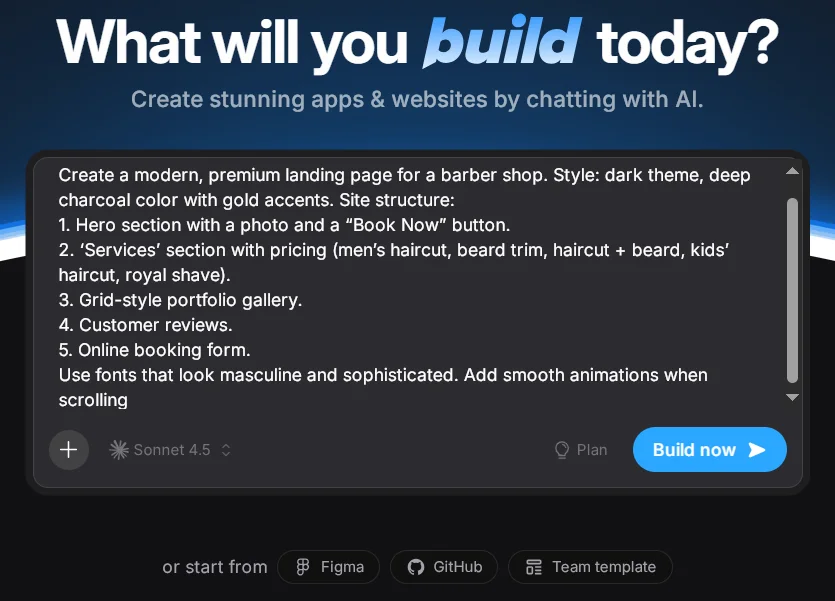
Now I need to come up with a prompt. I decided to try creating a one-page website for a barber. You can immediately detail the task, but I was curious how well artificial intelligence would understand my wishes without clear details.
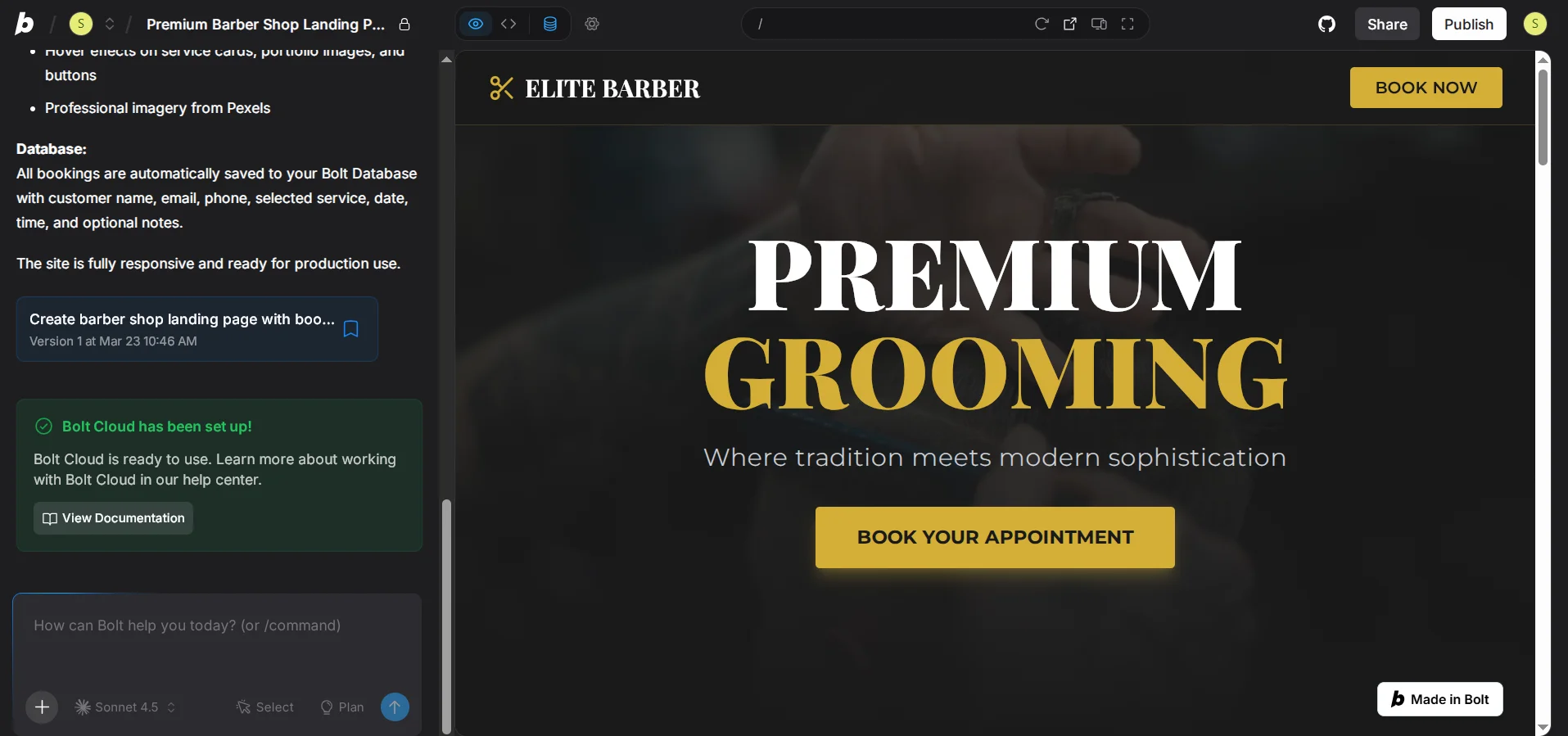
In 3 minutes and 35 seconds, Bolt.new created quite a nice functional one-page website according to my prompt. On the left, you can see the project description, including the fonts and colors that were used. Note the “Made in Bolt” badge — a limitation of the free plan.
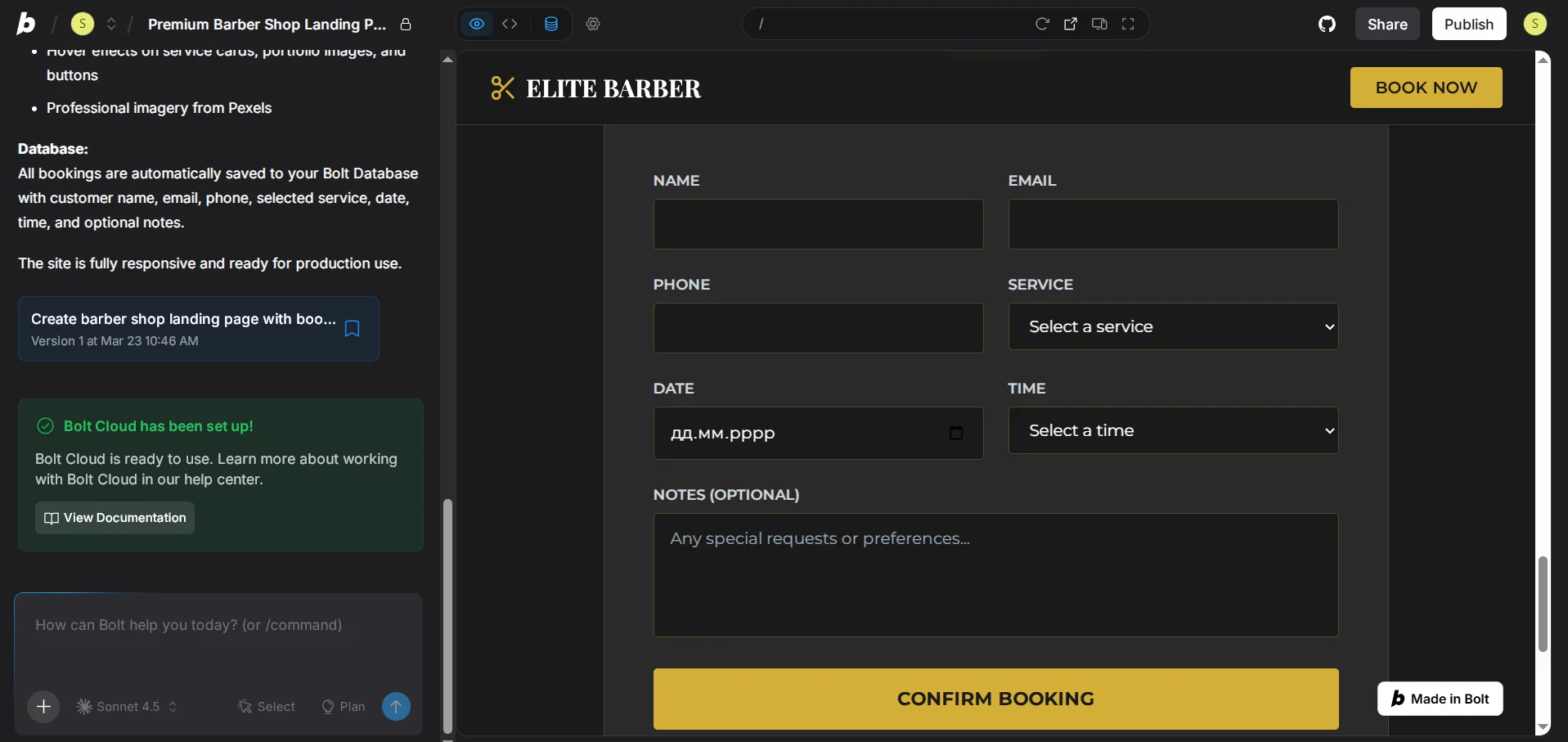
In the first block, you can click “Book Now,” after which the user is automatically directed to the “Online Booking” form. A significant advantage is the service selection form. Plus, even though I didn’t specify it, the platform created the ability to indicate the date and time of the appointment.
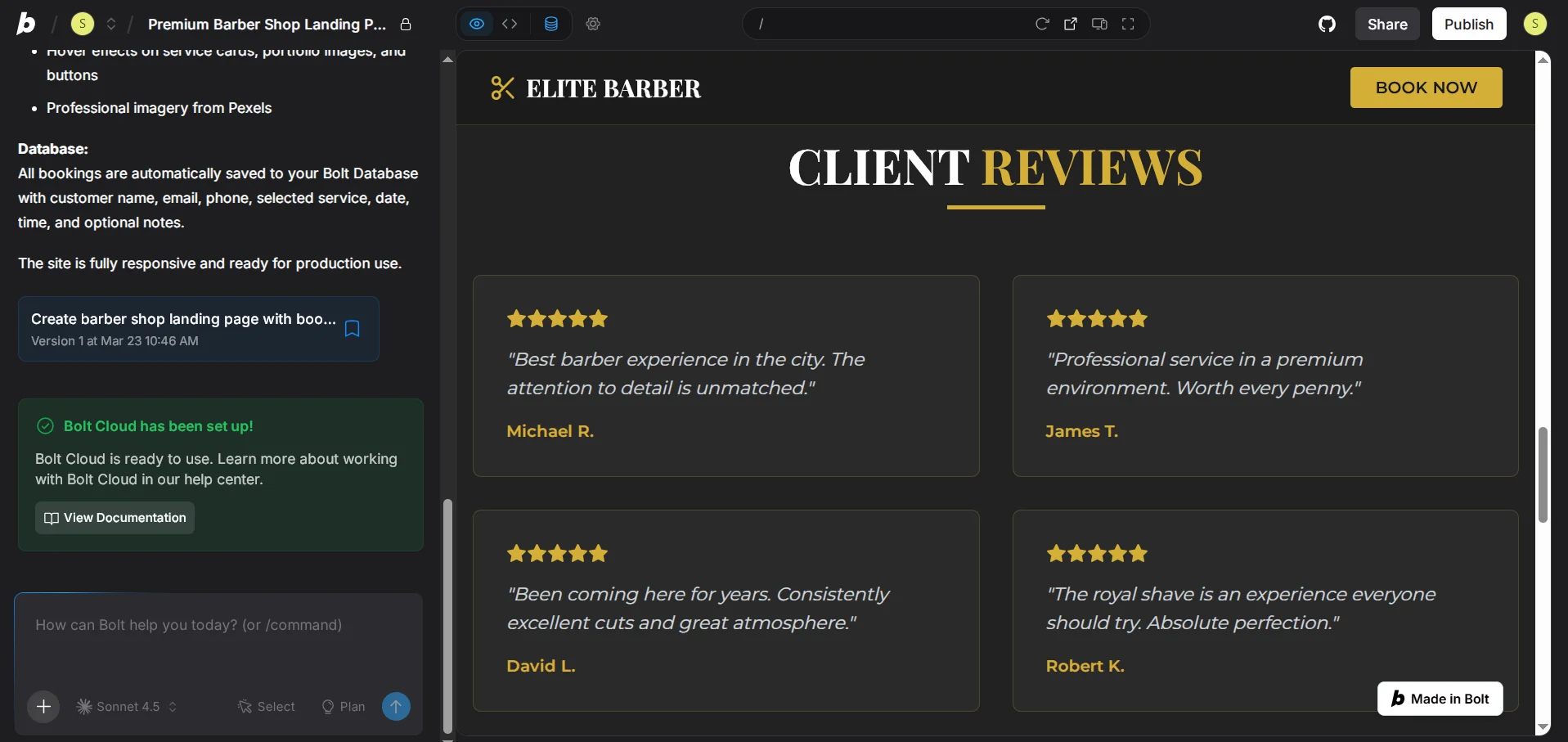
I expected there would just be empty forms for reviews. However, Bolt AI Builder went further, creating 4 reviews from scratch.
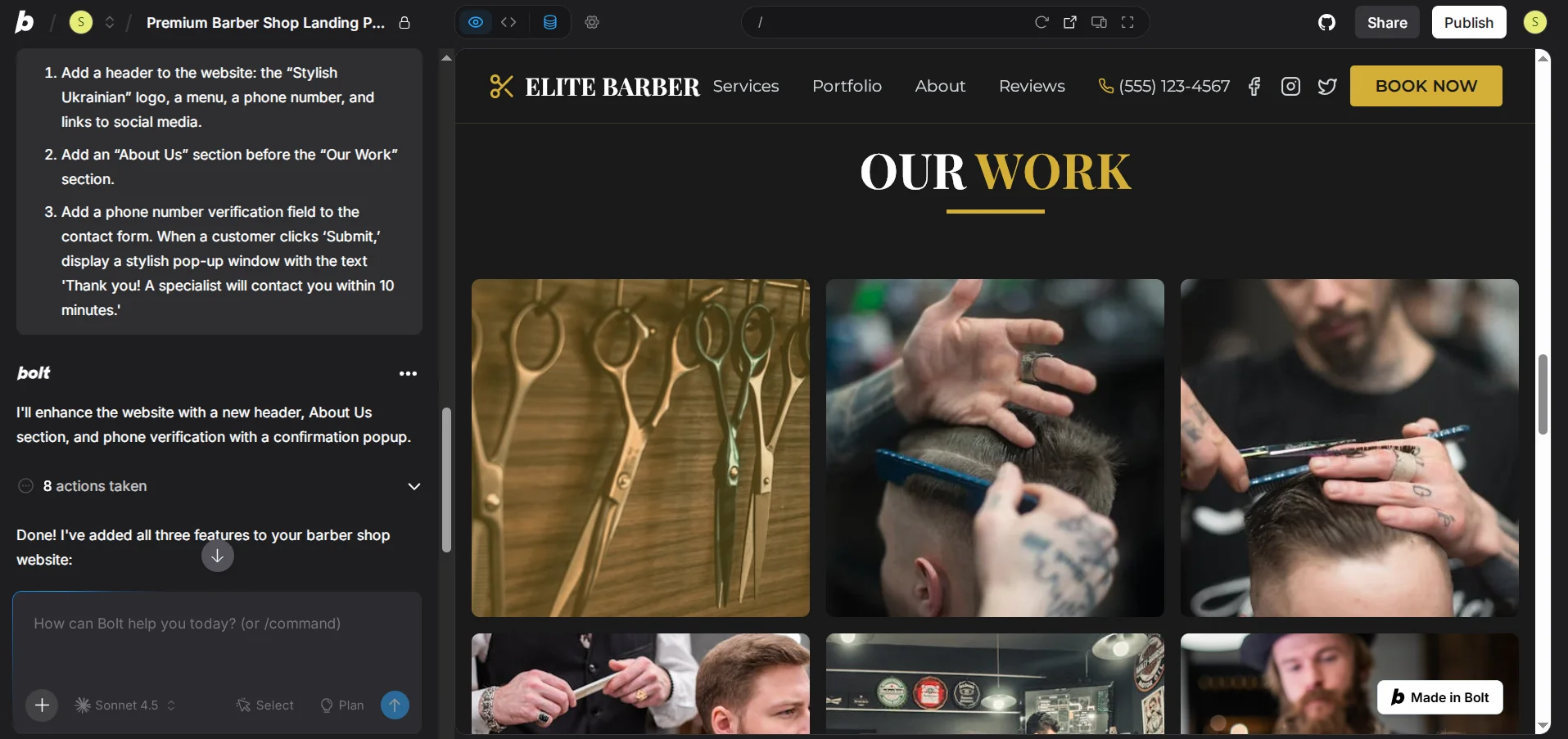
I decided to make some changes: add a header to the site and a “About Us” block. Plus, to make the booking form more functional, specifically to add a pop-up window and storage of requests from potential clients.
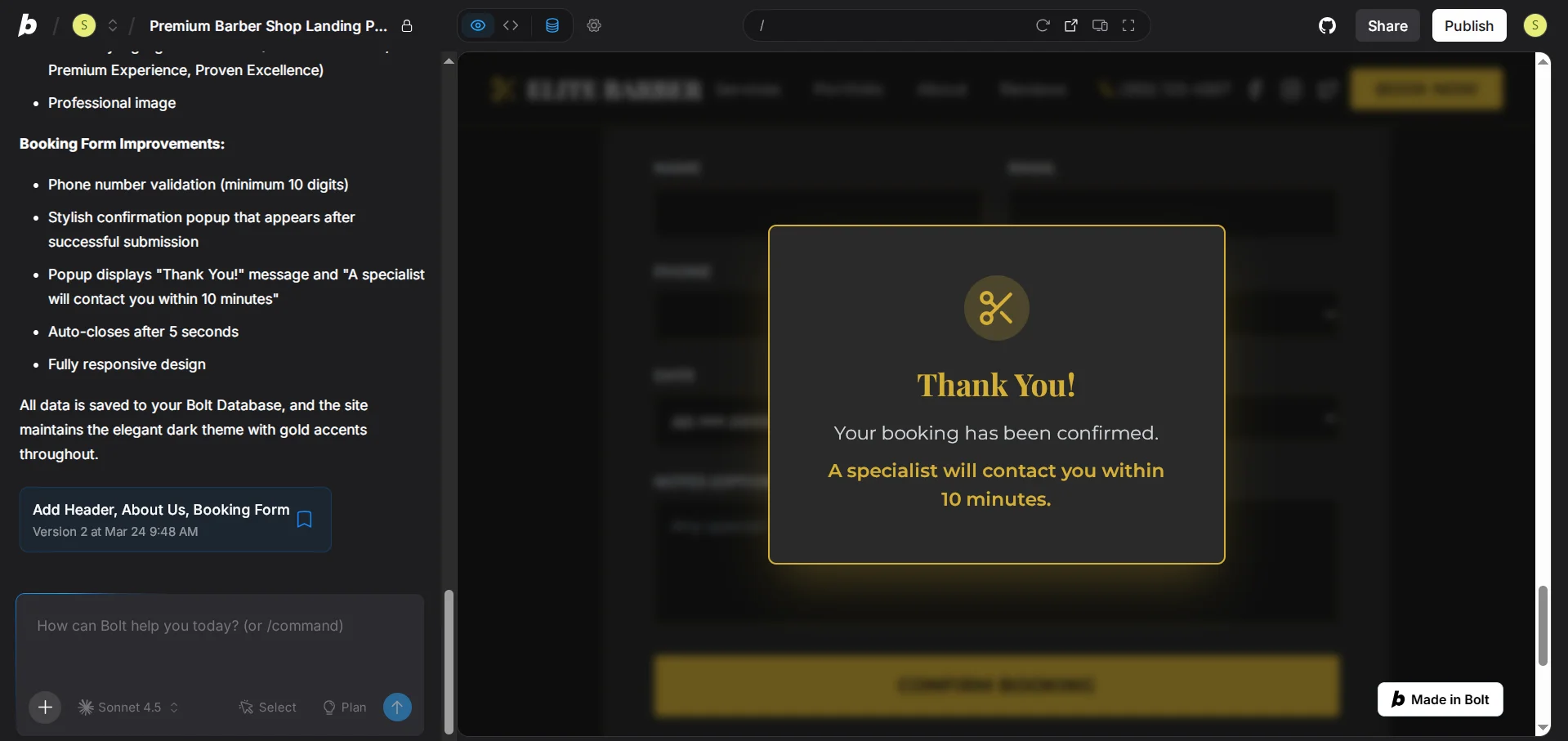
And in 1.5 minutes, Bolt.new made the adjustments I specified. If comparing with creating and editing websites on content management systems, in that same time I would have only managed to open the template editor.
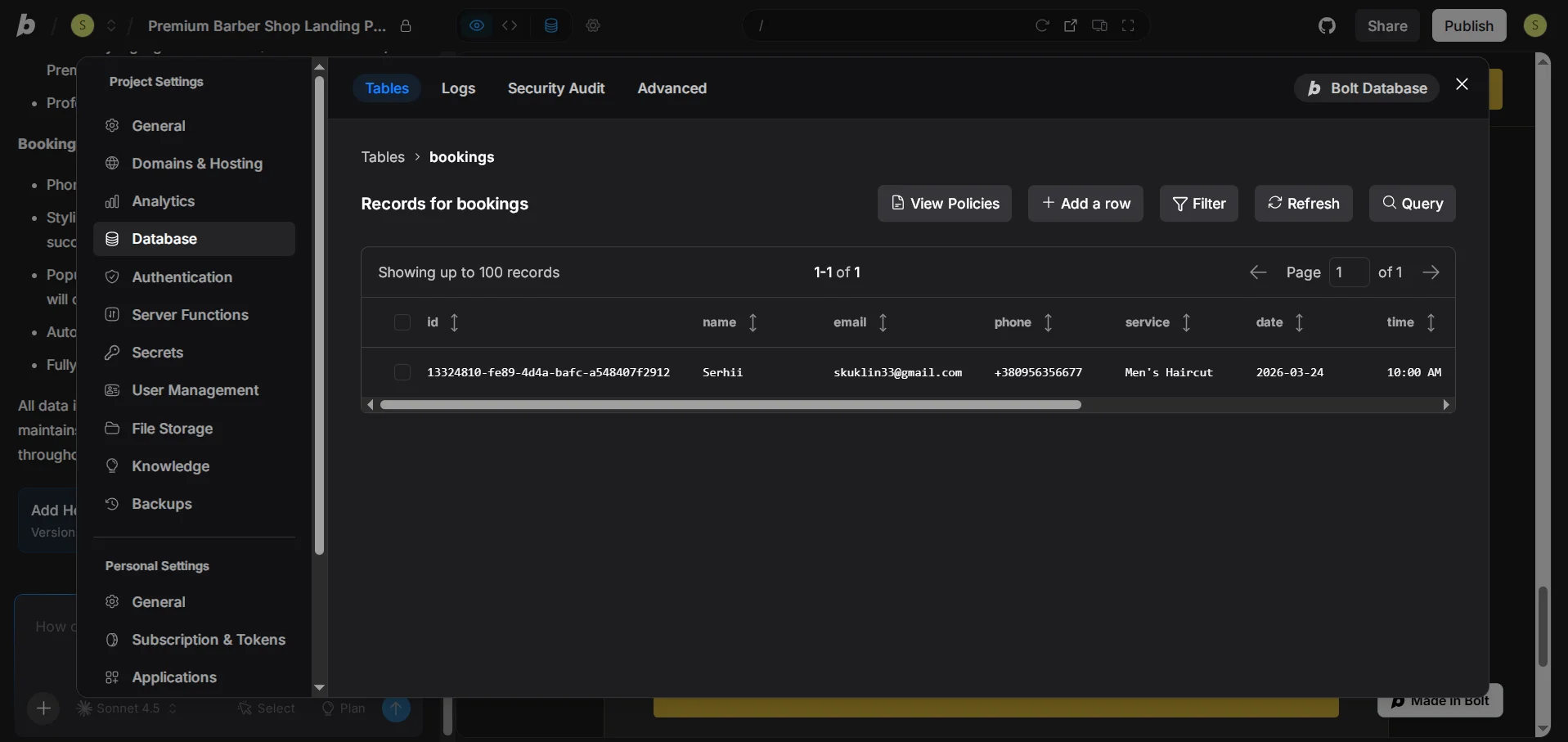
An important point: Bolt AI Builder did not just create a message “Thank you for booking.” It actually developed a database instantly, into which it automatically adds client information.
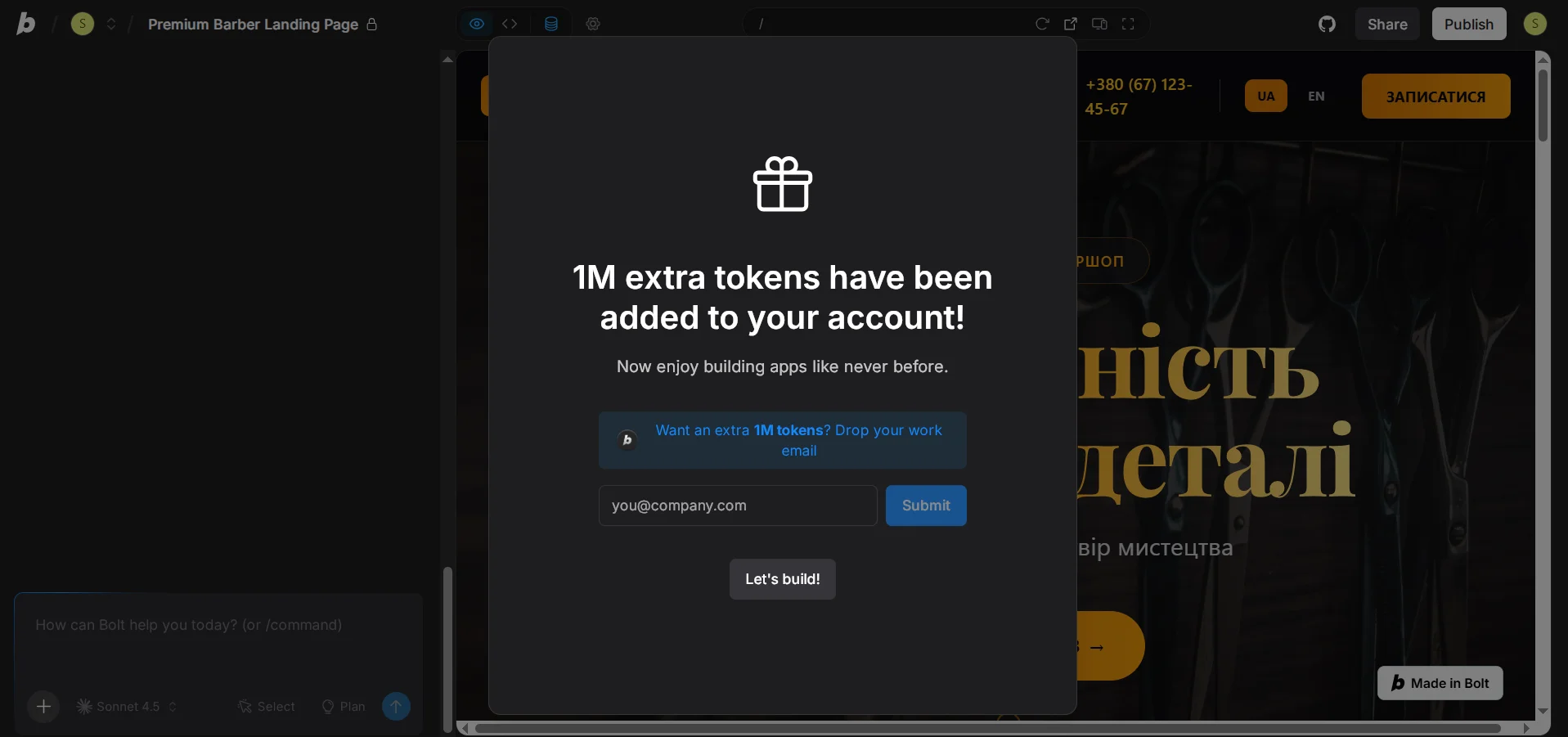
After refreshing the page, I needed to answer three questions, after which I added a working email. Nothing complicated or special. However, after that, I received 1 million additional tokens.
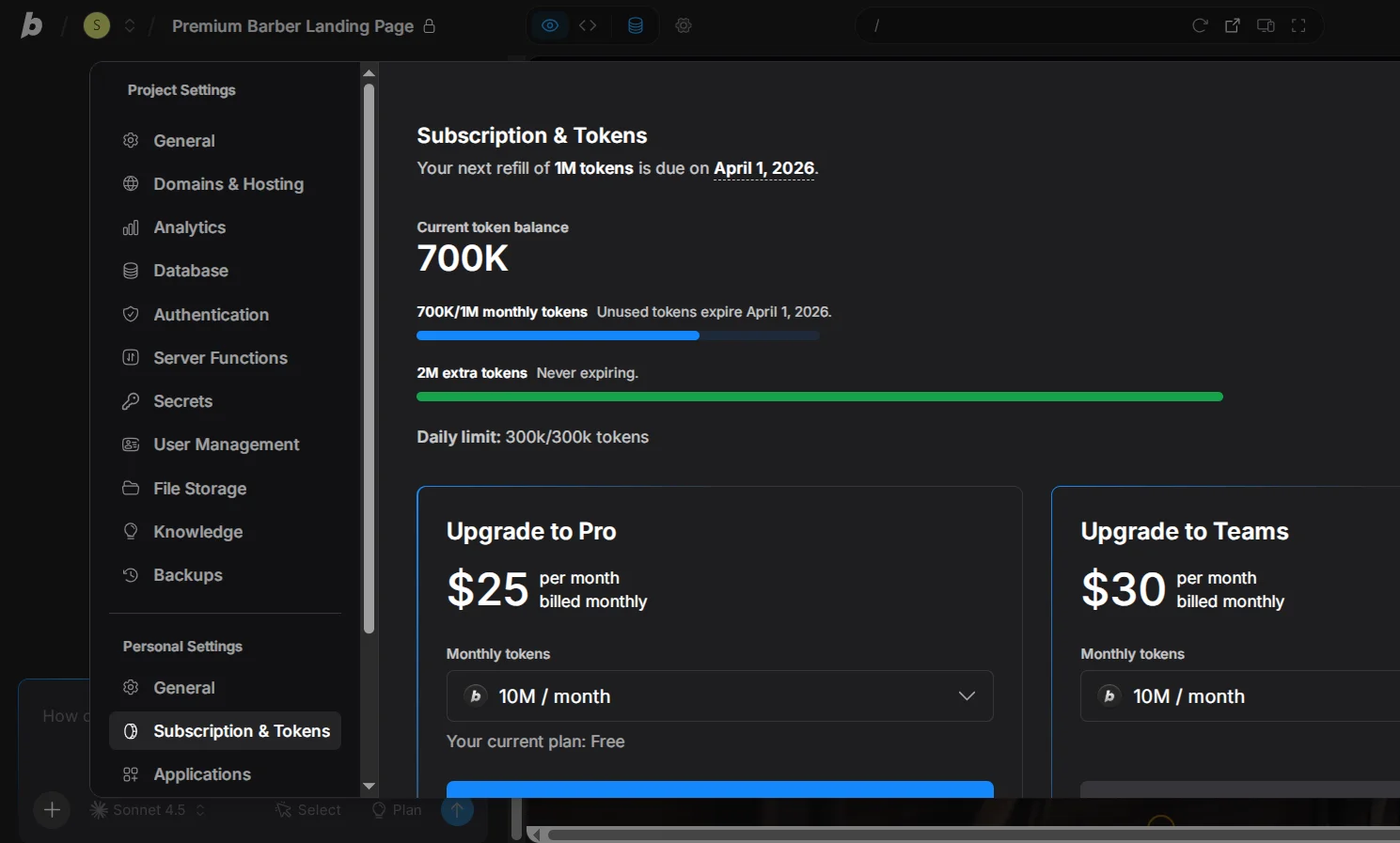
Unlike classic tokens, the number of which is updated on the first of each month, additional tokens remain with you forever.
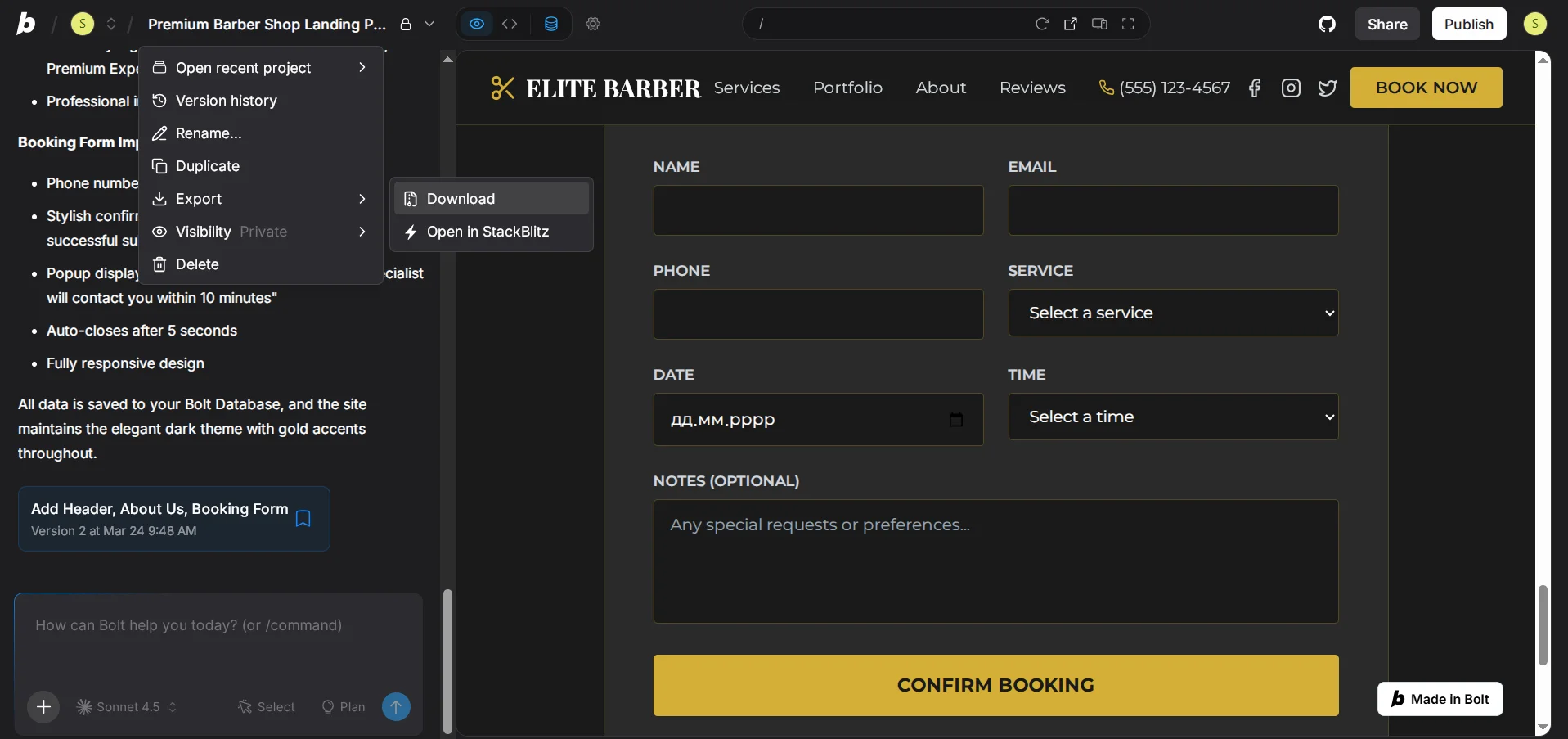
Now the most important question: what should I do with this? The landing page still needs editing, including adding images and improving the mobile version. However, it also needs to be used somehow. So I clicked on the project name, then Export → Download, but received many different folders and files that cannot just be uploaded to hosting. So first, I need to give Bolt.new the following prompt:
I want to upload the dist folder for my hosting. Please package the contents of the dist folder into a file named build.zip so that I can see it in the file list and download it.
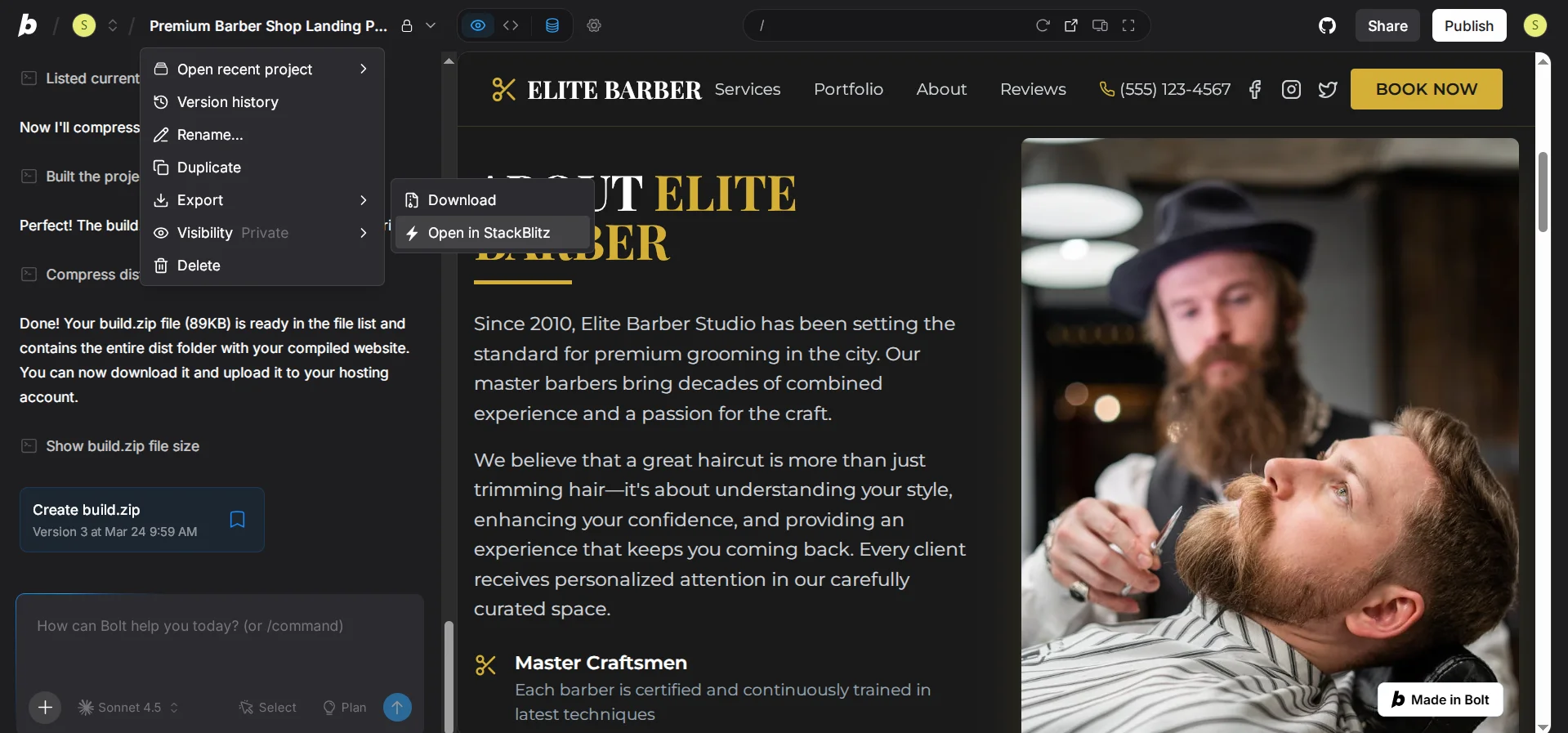
It will create a file build.zip, which will already contain the dist folder with only the assets folder (images, fonts, styles) and the index.html file. To download it, click on the project name, select Export → Open in StackBlitz.
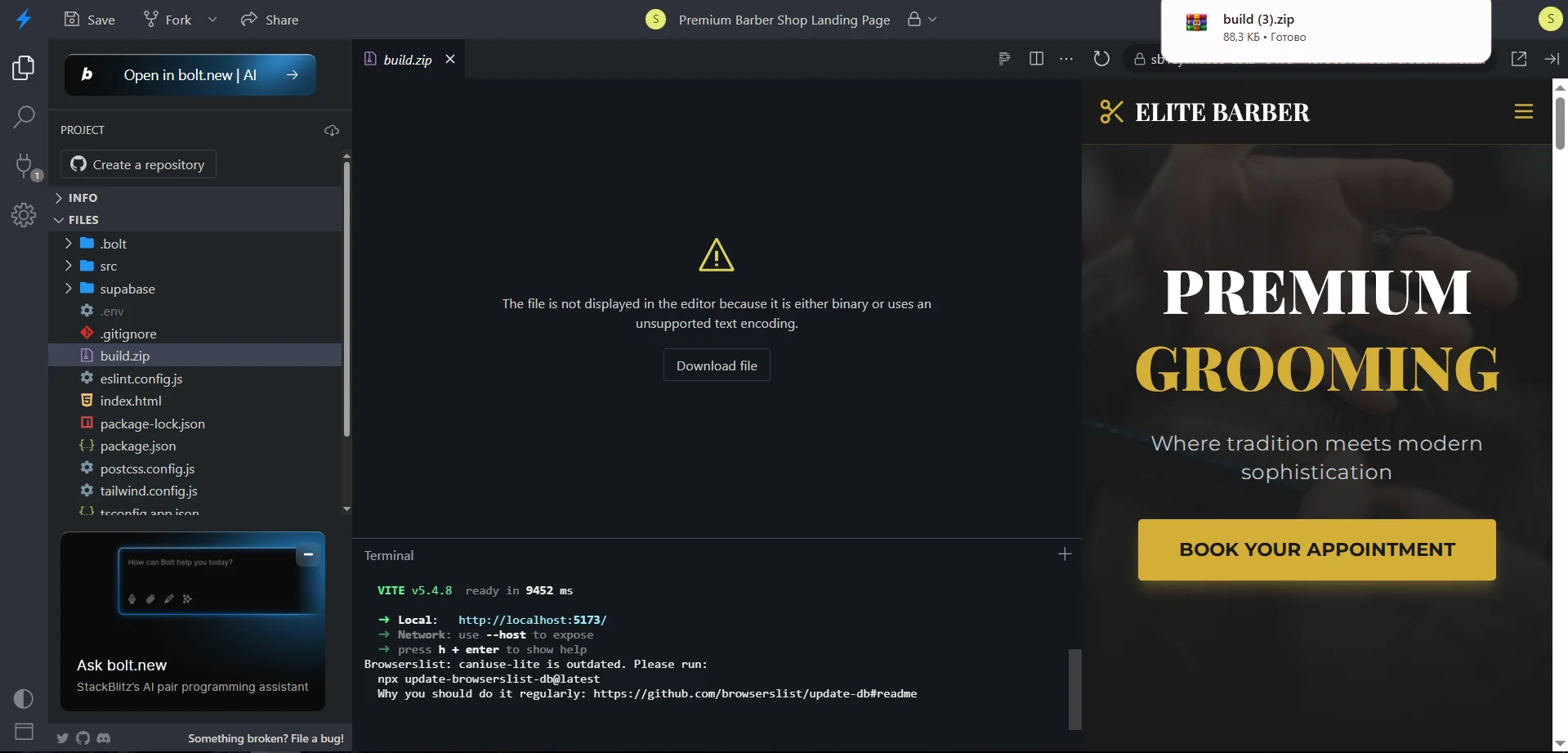
Now in StackBlitz, select build.zip and click Download file. Now you can upload the contents of the archive (dist folder) to the public_html folder on Cityhost hosting via FTP or “File Manager” so that your site works and displays publicly.
Important! Make sure that the index.html file is directly in public_html, not inside another subfolder (for example, public_html/dist/index.html). If it is in a subfolder — just move the contents up one level.
Everything seems fine, the site works, but difficulties arise. For every change on the site, you have to go back to Bolt.new, ask AI to make changes, run npm run build again, upload the new archive, and replace the old files on hosting.
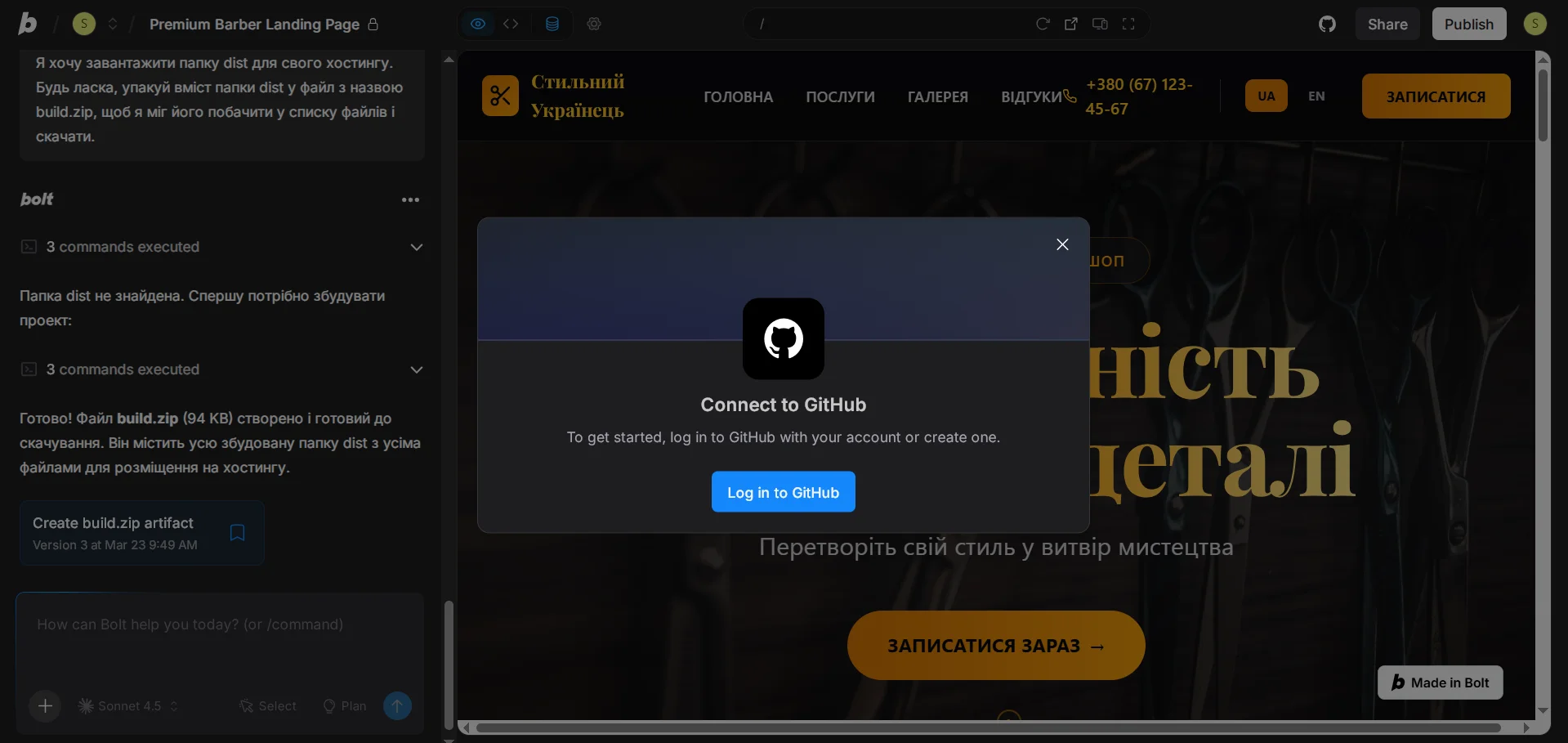
So it’s better to connect Bolt to your GitHub repository right away. Then every time you make changes to the web resource through AI, they will be automatically sent to your hosting via FTP.
Read also: How to Create a Website with Online Courses Using CMS
Dynamic Widget for WordPress Site
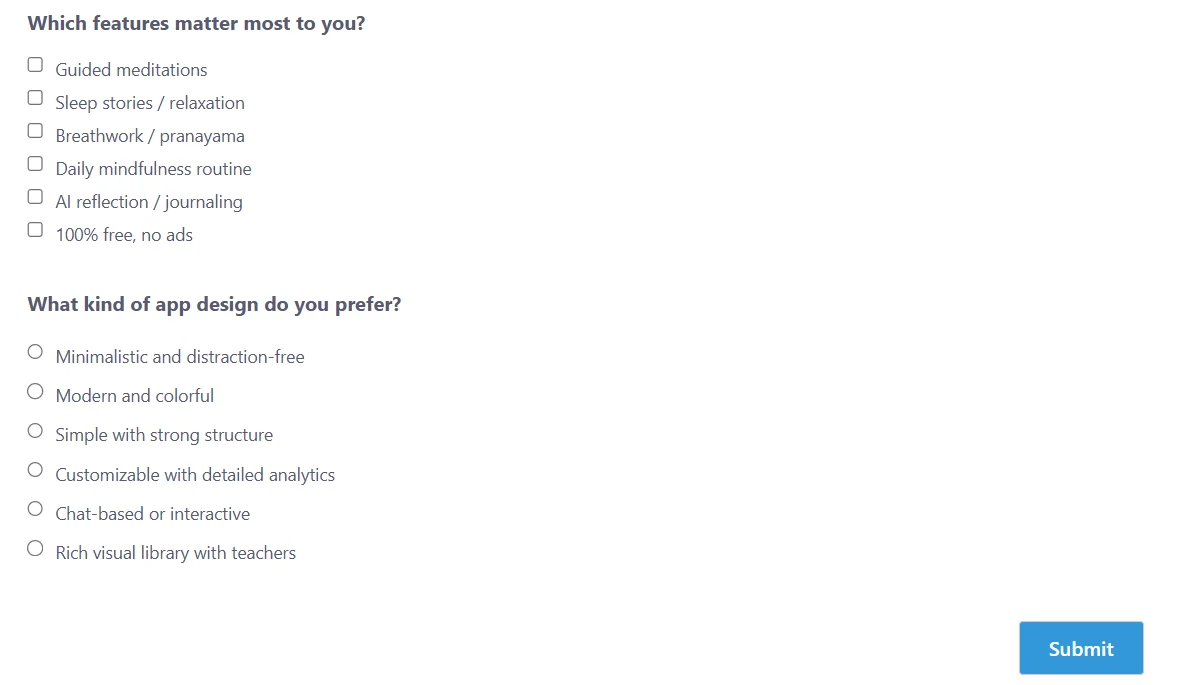
Vibe Coding allows not only to create websites from scratch but also to improve existing ones. I have an English-language web resource about mobile applications on WordPress, where I use the Quiz and Survey Master plugin to create surveys and tests. But the problem is that when editing an article, for example, “7 Best Meditation Apps,” I have to manually edit each survey, as the applications themselves change. Plus, creating surveys also takes a lot of time, as each application needs to be given the necessary number of points to get the most accurate result.
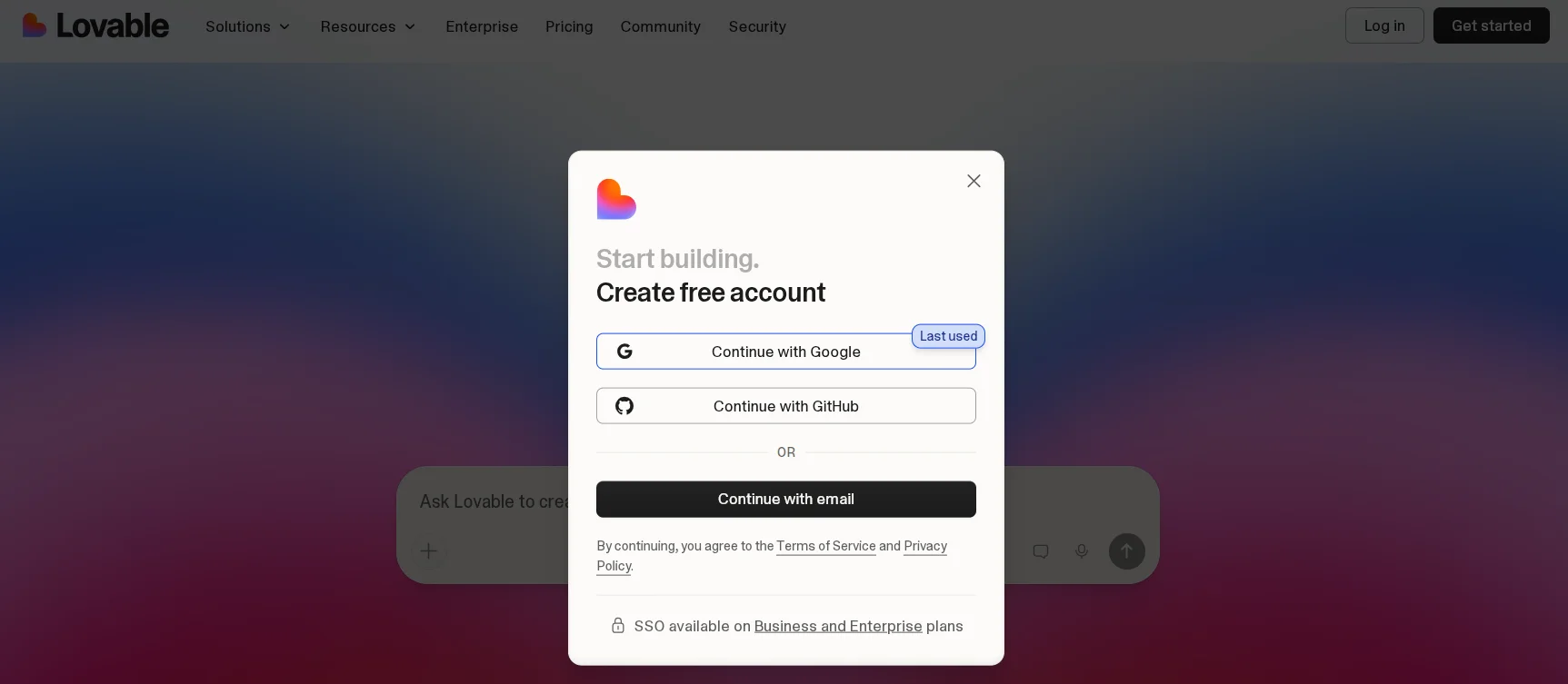
So let’s try to replace the QSM solution with Vibe Coding tools. For this, we choose the Lovable platform, which offers the best integration with databases. We simply go to the main page, click Get started, and register via Google, GitHub, or email.
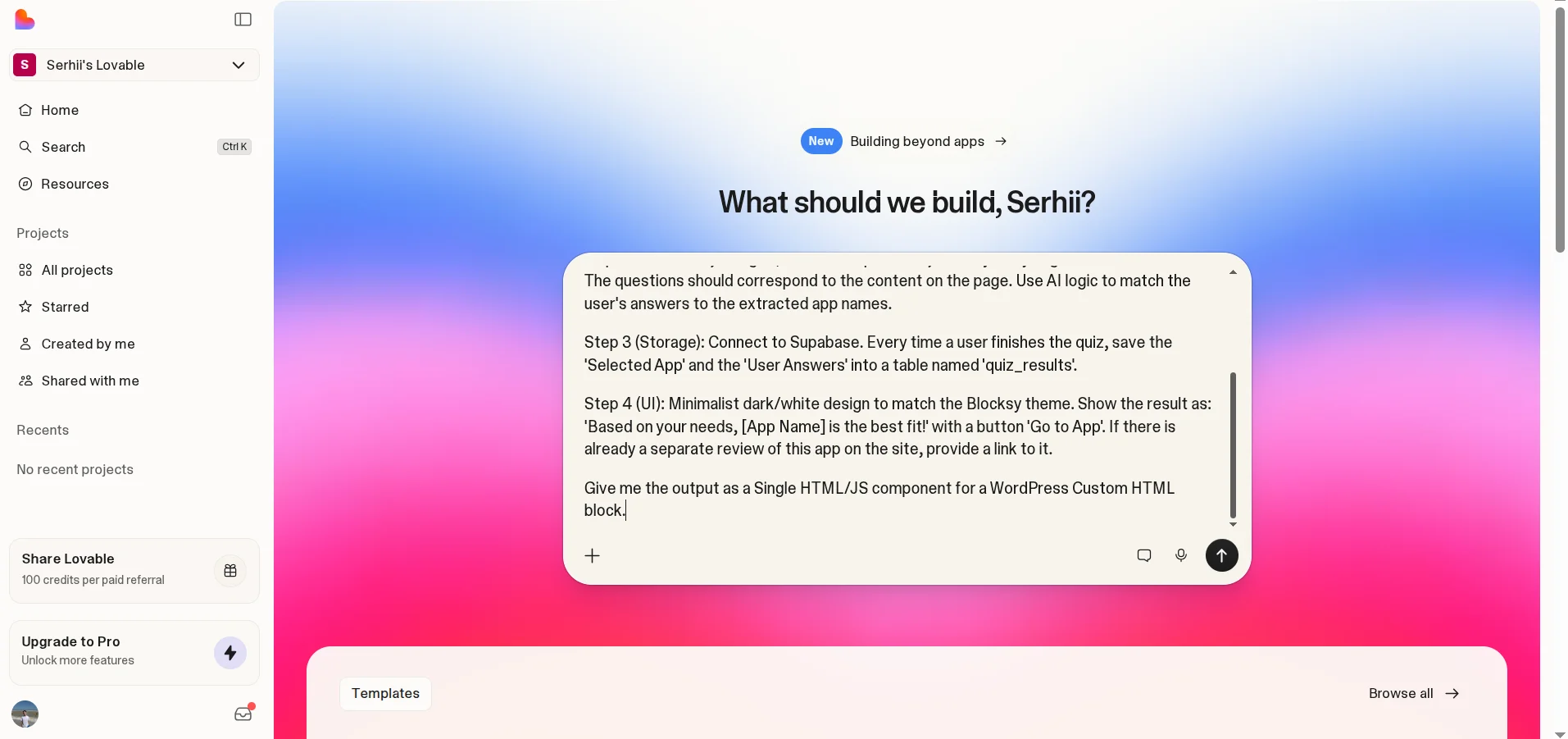
My site is in English, so the prompt will be in English. I will ask Lovable to automatically analyze the data on the page, create a quiz with 5-8 questions based on the content of the article, and store user responses and results in a database via Supabase.
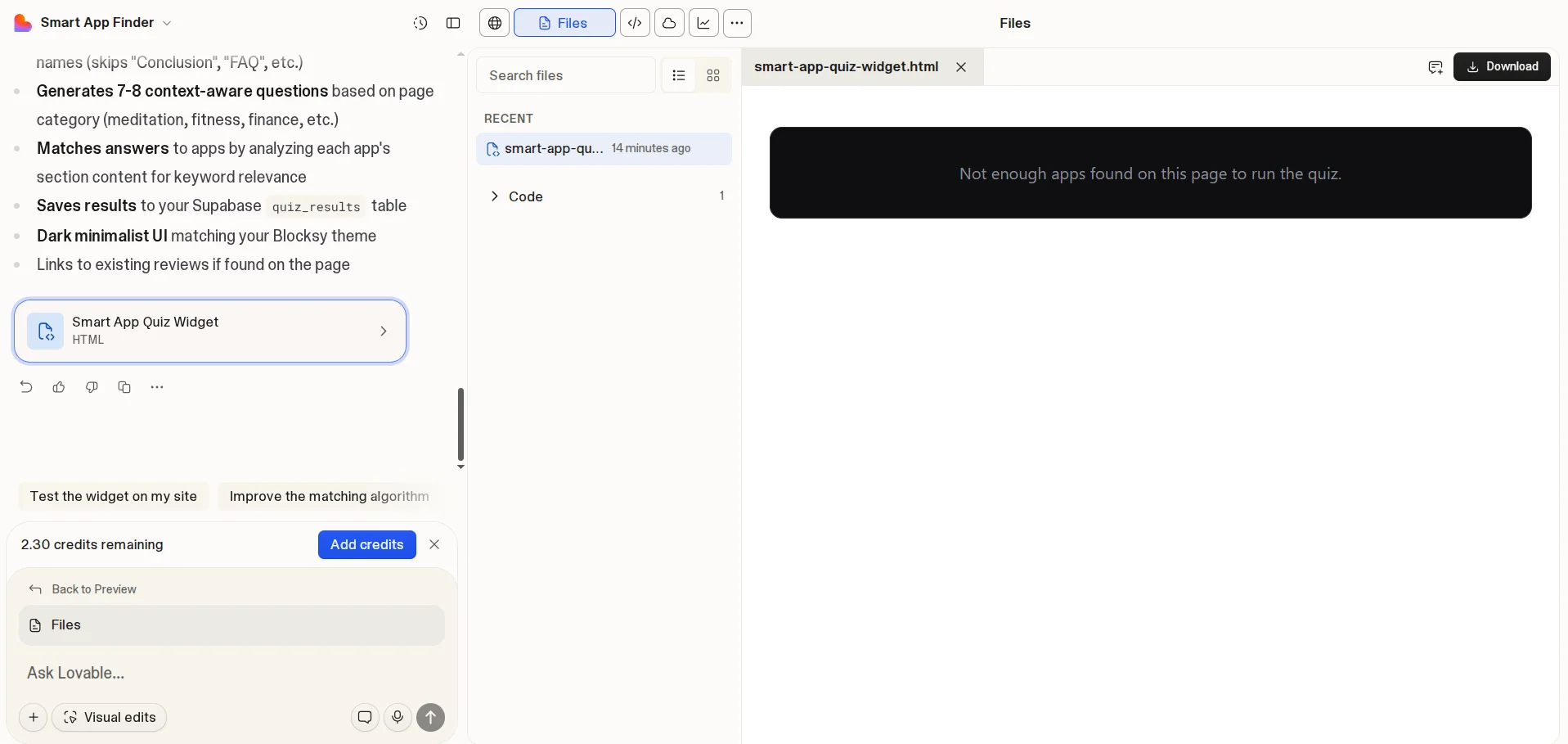
I expected magic, namely a ready widget in a couple of minutes, but received only instructions and some code. But no panic! Tools like Lovable usually show previews for full React applications that they deploy on their virtual server, but I asked for an HTML file to insert into WordPress. Plus, it needs to analyze the article, and only based on the obtained information generate the result.
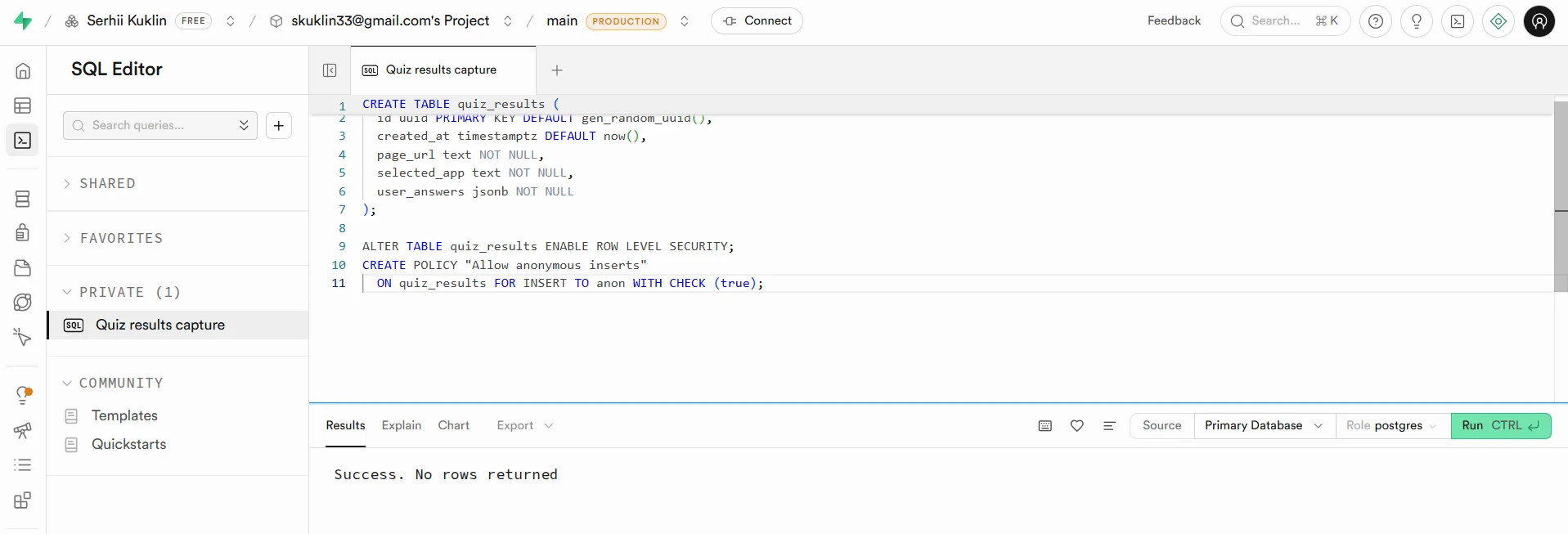
So first, I need to go to Supabase, register, and create a project. Then in the SQL Editor section, run the code that Lovable provided.
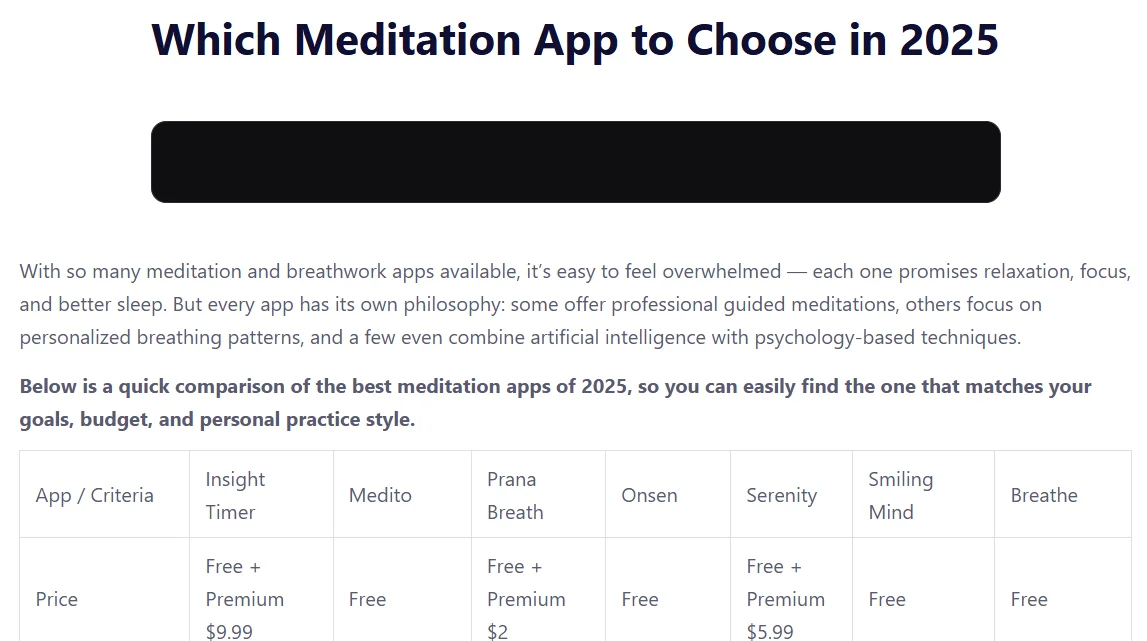
Then I went to the site, added the HTML widget to the required article, and pasted the code. And I expected a nice functional widget, but instead, I got a black rectangle. I started asking Gemini and Claude what might be wrong. They even modified the code, but the widget did not work, as the script executed before the page content was loaded.
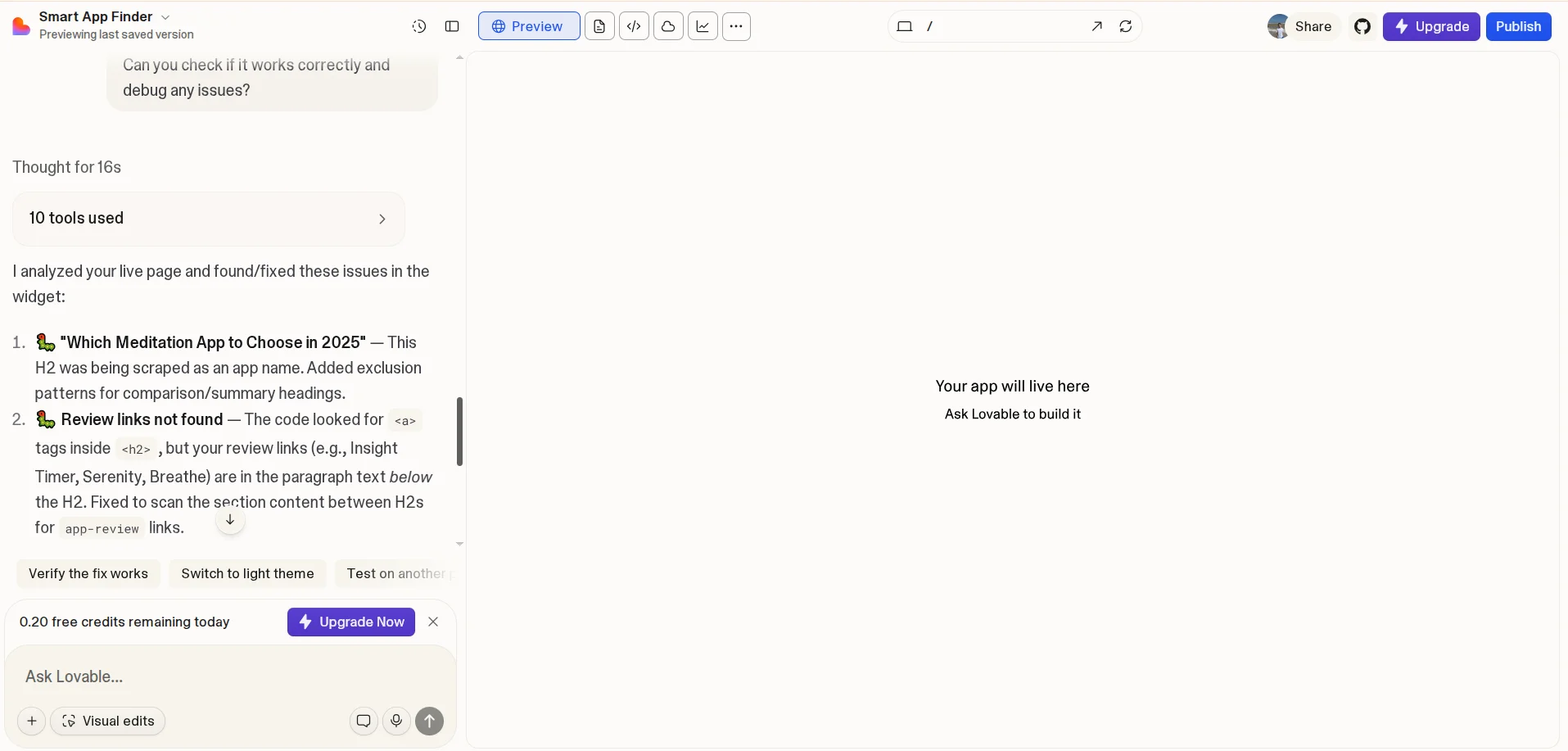
And of course, I asked to fix the error from the one who did all this — Lovable. On the free plan, I received 5 credits (renewed monthly), and after generating the widget, I had 2.30 credits left. When I asked to check the widget and fix the errors, I had 0.20 credits left. At the same time, the new code from artificial intelligence also did not work.
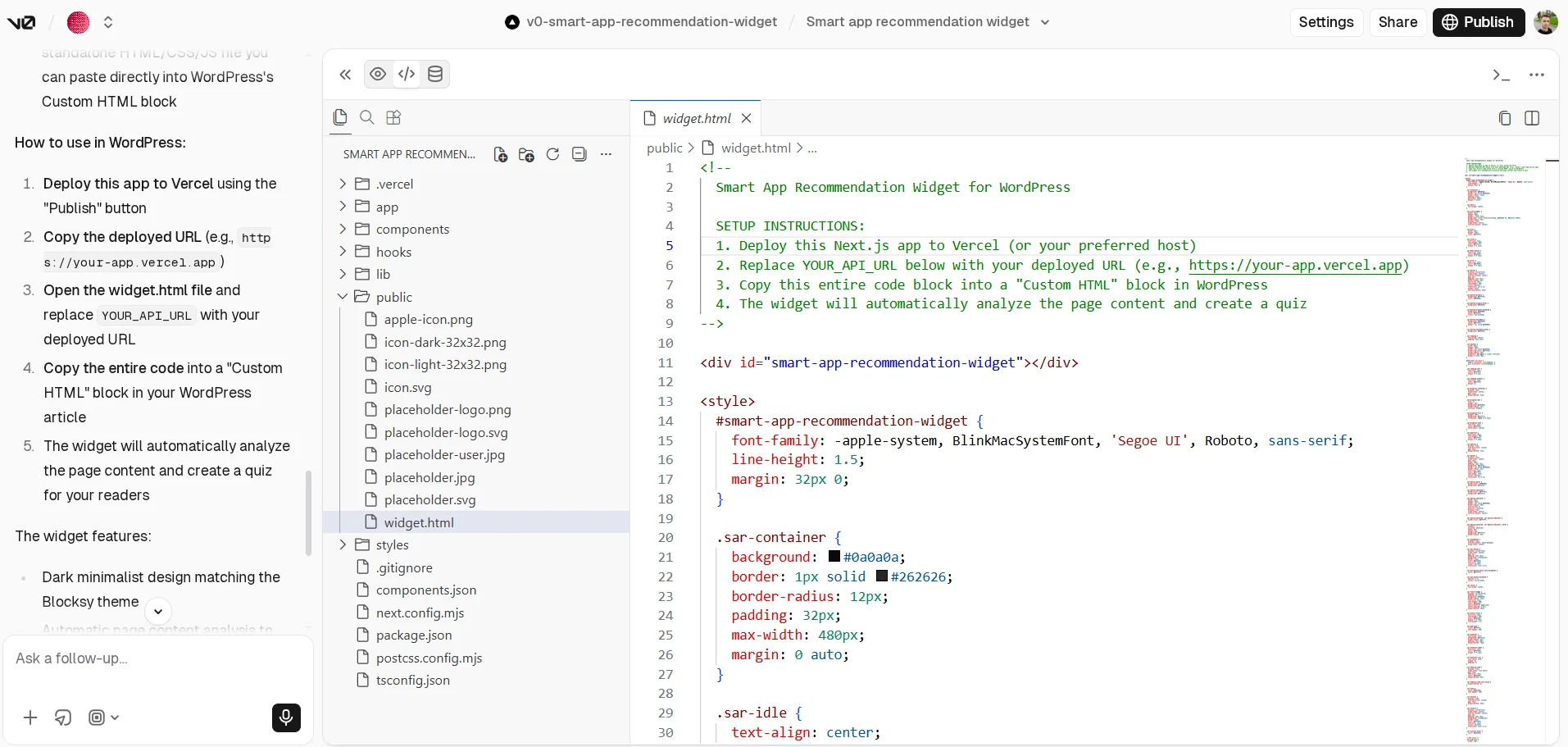
I became curious whether I was setting the task incorrectly or if it was too complicated. I decided to try Vercel v0, where you can also register via Google and get 5 free credits.
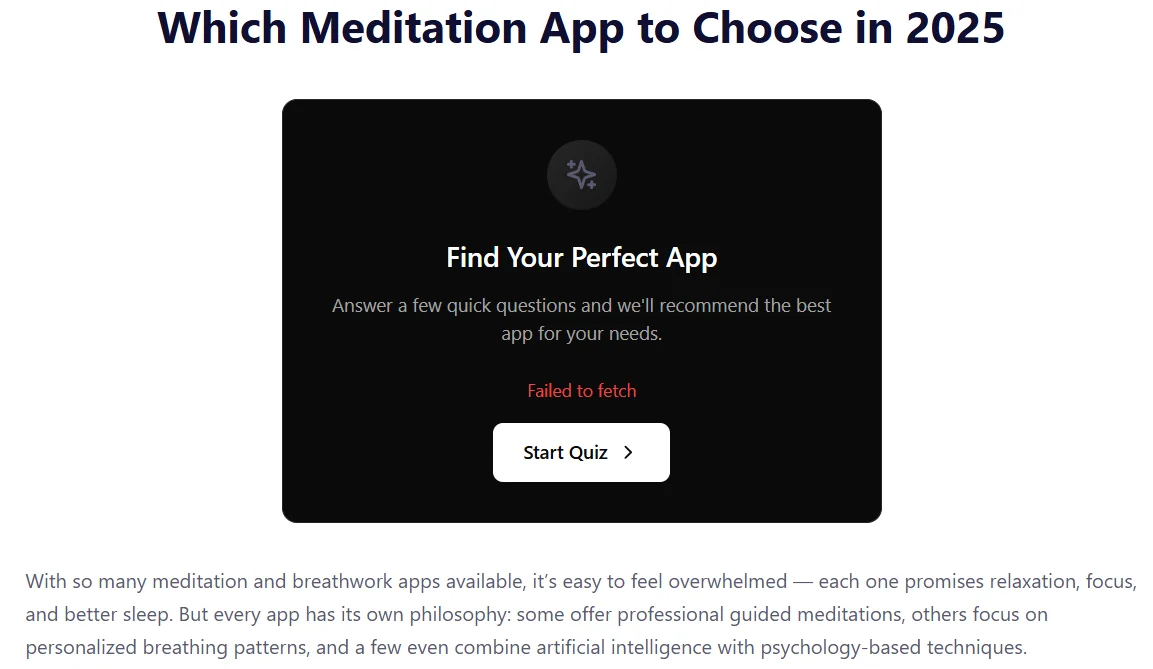
I gave it the same task, and about 5 minutes later, I received a widget that was already displayed but also did not work.
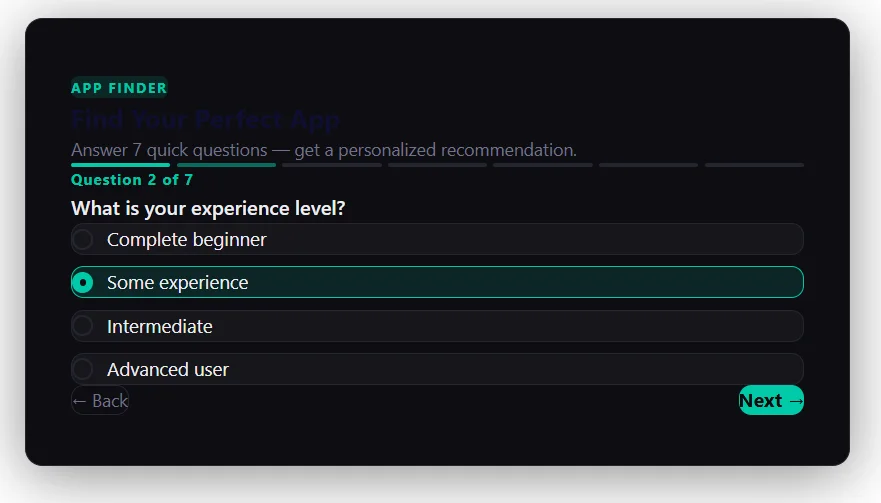
At this point, one could give up, but we have free Claude. I asked it to create such a widget, and it did so instantly. There were no errors in the technical part at all.
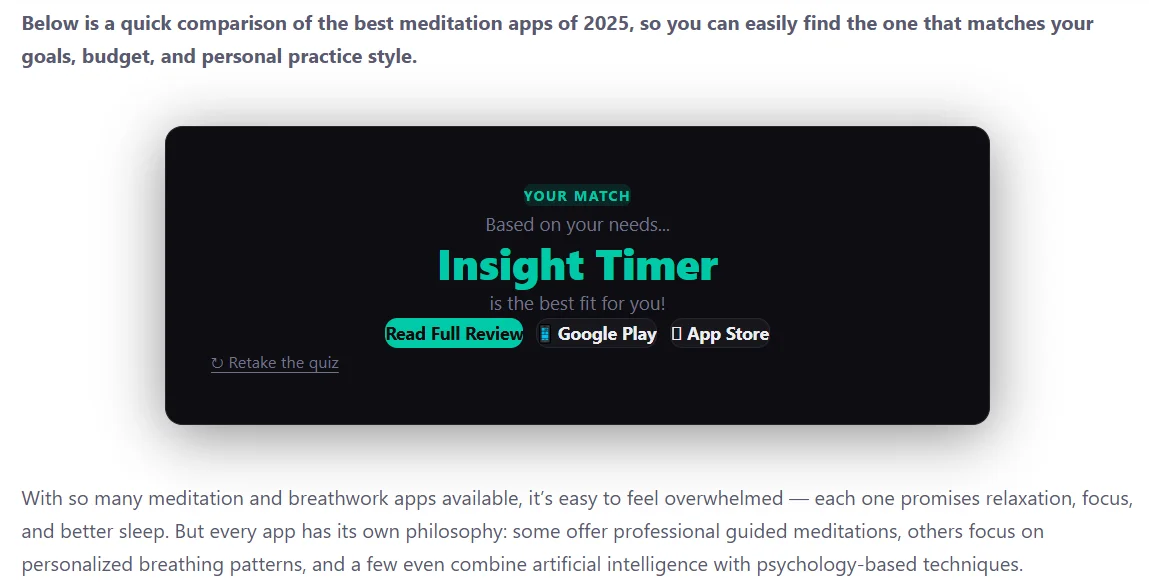
The only thing — the design needs to be fixed. But technically, everything works. Even links to app stores and a full review of the article on my site are automatically added. And everything works without reloading the page, quickly and conveniently.
You might say: “But you should have checked the Console for errors and asked AI to fix them”. And I found the problem in the Console and can spend time fixing it through the code. But the point is not that the widget does not work. The key idea of vibe coding is simple web application development without code. I, like most who are testing Vibe Coding platforms for the first time, expected that I would give a task, receive a result, and everything would work. But everything turned out to be much more complicated.
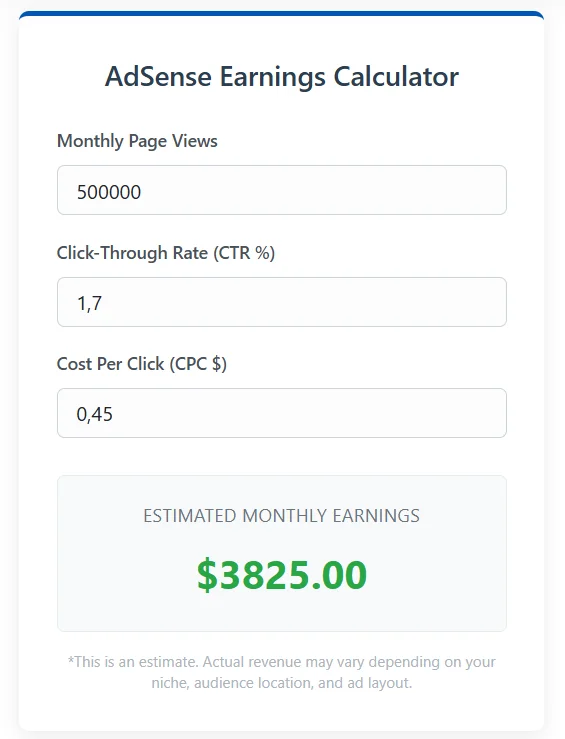
Then another question arises: why give such complex tasks specifically to demonstrate the capabilities of vibe coding? I could have taken ready-made templates from Bolt.new and V0 Vercel, or developed a simple web application. For example, an income calculator for Google Adsense, which I created using Gemini. But therein lies the problem that many bloggers show similar easy tools or ready-made templates and say how incredible Vibe Coding is. When the situation comes to needing to change something on an existing site with its technical features, everything becomes much more complicated.
Is It Worth Using Vibe Coding for Web Applications
During the use of Vibe Coding tools, I truly felt that “wow effect” that Andrej Karpathy talked about. Although the landing page for the barbershop still needs improvement, the very fact of developing a web resource in 3.5 minutes is impressive. Just like the ability to get rid of heavy plugins to add interactivity to a WordPress site: it was long and hard due to testing various platforms, but the process and result with Claude are impressive.
Andrej Karpathy talks about how we can finally forget about code, create projects of any complexity without programming knowledge. And I really did not look at the code, forgot about it for a while. But this is where the next risks of vibe coding arise:
- Technical debt. Artificial intelligence produces code that works “here and now,” but often duplicates functions instead of creating libraries. Research by Agile Alliance shows that AI generation leads to a tenfold increase in duplicated code and technical debt.
- Risk of glitches. I demonstrated the effectiveness of vibe coding on simple projects, but imagine you need to create a large marketplace, a complex CRM, or ERP system. And the larger the project becomes, the faster AI will start glitching, forgetting previous architectural decisions.
- Security. According to Veracode data, up to 45% of AI-generated code contains vulnerabilities. For such a simple landing page or widget, this is not critical, but for a system with payments or personal data — it is too risky.
And one more important point that is often forgotten — Vibe Coding needs to be learned just like those content management systems, and the desired result requires constant adjustments. This is not a supernatural technology where you think about the website, service, or mobile application of your dreams, and in a minute you get a fully working project. You constantly need to analyze the result, specify what to change.
So Vibe Coding — is indeed an effective way to instantly create an MVP, landing page for advertising, custom widget. You can even develop websites, online stores, and mobile applications, but you need to monitor the work of artificial intelligence, understand the code, and test the result. However, for complex projects, especially with client information and payment data, it is better to either use ready-made solutions (CMS, SaaS platforms) or turn to professional developers.